Basic Computer Course for Beginners | Best Basic Computer Training at Martian Institute
Introduction
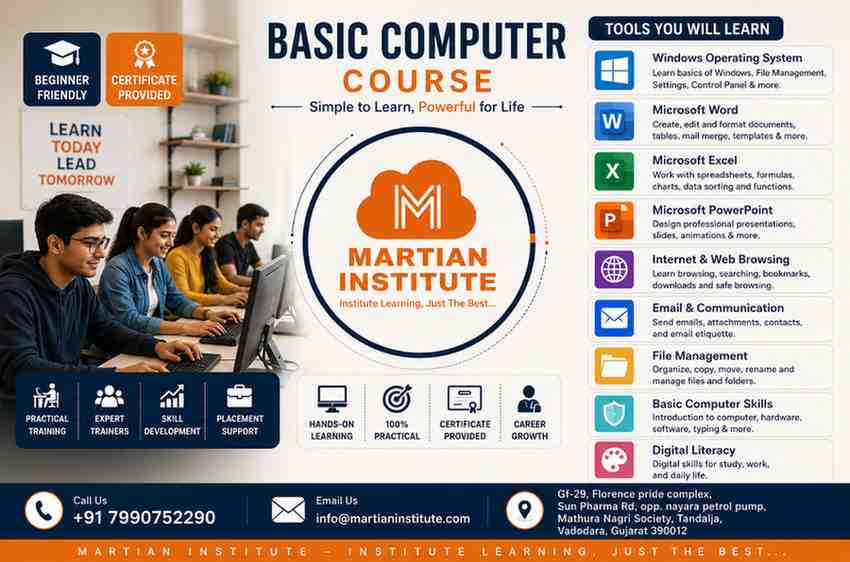
Learning computer skills has become essential in today's digital world, whether you are a student, job seeker, working professional, business owner, or homemaker. At Martian Institute, our Basic Computer Course for Beginners is designed to help every learner build confidence with computers through practical, easy-to-understand training. If you are looking for Basic Computer Training, Computer Training for Beginners, Computer Class for Beginners, or Learning Basic Computer Skills, this course is the perfect place to start.
From understanding computer fundamentals and the Windows Operating System to working with Microsoft Word, Microsoft Excel, Microsoft PowerPoint, the Internet, Email, and essential digital tools, every topic is taught step by step with hands-on practice. Our goal is to make learning simple, enjoyable, and useful so that every student can confidently use a computer for education, office work, online services, and everyday tasks. Whether you want to improve your career opportunities, prepare for a job, or earn a Computer Basics Certificate, Martian Institute provides practical Basic Computer Skills Training that helps you develop the knowledge and confidence needed to succeed in today's technology-driven world.
Learn Basic Computer Skills with Martian Institute
Are you looking for the best Basic Computer Course for Beginners? Do you want to improve your computer knowledge for jobs, higher education, business, or personal use? Martian Institute offers one of the most practical and beginner-friendly Basic Computer Training programs designed for students, job seekers, office employees, homemakers, and senior citizens.
Whether you have never used a computer before or want to improve your existing knowledge, our Basic Computer Skills Training helps you build confidence from the ground up. Our experienced trainers explain every topic in simple English with practical exercises so that every student can understand easily.
If you are searching for Computer Training for Beginners, Computer Class for Beginners, Basic Computer Skills Class Near Me, or Computer Basics Certificate Course, Martian Institute is the perfect place to start your learning journey.
What is a Basic Computer Course?
A Basic Computer Course is designed to teach the fundamental skills required to operate a computer efficiently. Today, almost every company expects employees to have Basic Computer Skills. Learning these skills improves your career opportunities and helps you work faster and smarter.
Microsoft Word
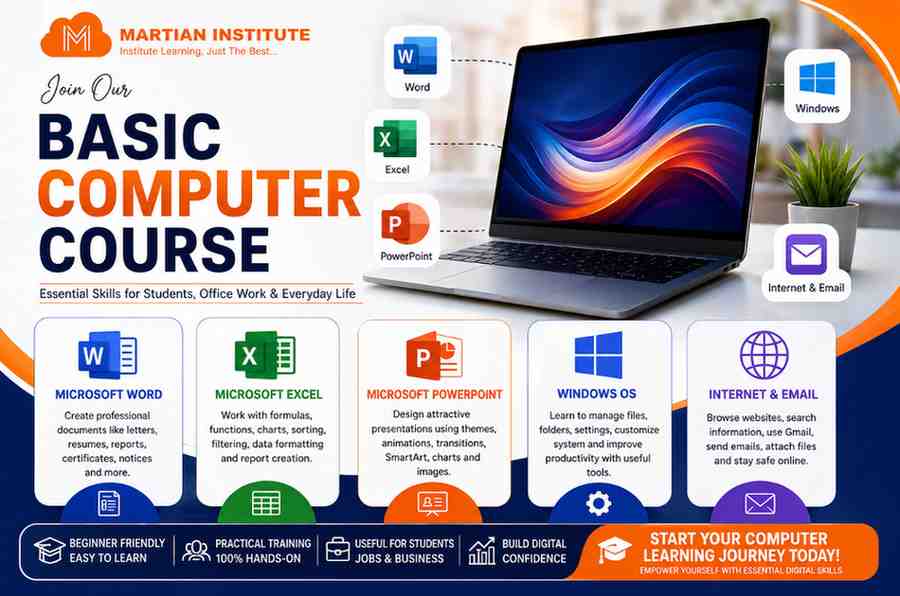
Microsoft Word is one of the most popular word processing applications used in schools, colleges, offices, and businesses. It allows users to create professional documents such as letters, resumes, reports, certificates, notices, and project files. You will also learn text formatting, tables, images, page setup, headers, footers, and printing. Microsoft Word is an essential skill for students, office employees, and job seekers.
Microsoft Excel
Microsoft Excel is a powerful spreadsheet application used to organize, calculate, and analyze data. In this course, you will learn formulas, functions, charts, sorting, filtering, data formatting, and report creation. Excel is widely used in offices, banks, businesses, schools, and industries for salary sheets, invoices, attendance, budgeting, and data management.
Microsoft PowerPoint
Microsoft PowerPoint helps you create professional presentations for business meetings, school projects, seminars, and training sessions. You will learn how to design attractive slides using themes, animations, transitions, SmartArt, charts, and images. It is an important skill for students, teachers, professionals, and business owners.
Windows Operating System
The Windows Operating System is the most commonly used operating system in homes, schools, and offices. You will learn how to start and shut down a computer, manage files and folders, customize settings, use File Explorer, Control Panel, Task Manager, and improve your productivity using keyboard shortcuts.
Internet & Email
The Internet and Email module teaches you how to browse websites, search information on Google, create and manage Gmail accounts, send professional emails, attach files, download documents, and stay safe online. These skills are essential for education, office work, online services, and daily communication.
Basic Computer Course Complete Syllabus
| Course Module | What You Will Learn | Practical Applications |
|---|---|---|
| Computer Fundamentals |
• Introduction to Computers • Types of Computers • Hardware & Software • CPU, RAM, ROM • Hard Disk & SSD • Input & Output Devices |
Understand how a computer works, identify hardware components, and operate a computer confidently. |
| Windows Operating System |
• Desktop & Taskbar • Start Menu • File Explorer • Folder Creation • Copy, Cut, Paste • Rename & Delete Files • Keyboard Shortcuts |
Manage files and folders efficiently, organize data, and improve productivity using Windows. |
| Microsoft Word |
• Document Creation • Text Formatting • Tables • Images • Headers & Footers • Resume Design • Letter Writing • Page Setup |
Create resumes, letters, reports, office documents, certificates, notices, and print professional documents. |
| Microsoft Excel |
• Workbook & Worksheet • Cell Formatting • Basic Formulas • SUM, AVERAGE, COUNT • MIN & MAX • IF Formula • Charts • Sorting & Filtering |
Prepare office reports, attendance sheets, salary sheets, mark sheets, invoices, budgets and data analysis. |
| Microsoft PowerPoint |
• Slides • Themes • SmartArt • Pictures • Animations • Slide Transitions |
Create professional business presentations, school projects, seminars, and client presentations. |
| Internet & Email |
• Internet Basics • Google Search • Gmail Account • Sending Emails • Attachments • Google Drive |
Search information online, send professional emails, upload documents, and work with cloud storage. |
| Computer Security |
• Virus & Malware • Antivirus • Password Protection • Safe Browsing • Data Backup |
Protect your computer from cyber threats and keep personal information secure. |
| Digital Skills |
• Online Banking • UPI Payments • Online Shopping • Government Services • Video Meetings |
Use digital services confidently for daily life, education, and office work. |
| Live Practical Training | Every topic is explained with hands-on practical sessions and real-life examples. | Students practice on real computers instead of learning only theory. |
| Certificate | Basic Computer Course Completion Certificate. | Receive a certificate after successfully completing the course at Martian Institute. |
Career Opportunities
- Computer Operator
- Data Entry Operator
- Office Assistant
- Back Office Executive
- Administrative Assistant
- Office Coordinator
- Documentation Executive
- MIS Executive
- Receptionist
- Customer Support Executive
- Computer Lab Assistant
- Front Office Executive
- Accounts Assistant (Basic Excel)
- Billing Executive
- Inventory Assistant
- Store Assistant
- Banking Support Executive
- E-commerce Support Executive
- Digital Office Assistant
- Freelance Computer Operator
Frequently Asked Questions (FAQ):
1. What is a Basic Computer Course?
A Basic Computer Course is a beginner-friendly training program that teaches essential computer skills, including the Windows Operating System, Microsoft Word, Microsoft Excel, Microsoft PowerPoint, Internet, Email, and digital literacy. It is designed for anyone who wants to build a strong foundation in computer knowledge.
2. Who can join the Basic Computer Course?
This course is suitable for school students, college students, job seekers, office employees, business owners, homemakers, senior citizens, and anyone who wants to improve their computer skills. No prior computer knowledge is required.
3. What topics are covered in the Basic Computer Course?
The course includes Computer Fundamentals, Windows Operating System, Microsoft Word, Microsoft Excel, Microsoft PowerPoint, Internet & Email, Computer Security, Digital Skills, Online Services, and practical computer applications used in offices and businesses.
4. Will I learn Microsoft Excel in this course?
Yes. Our Basic Excel Computer Training includes worksheets, formulas, functions such as SUM, AVERAGE, COUNT, IF, charts, sorting, filtering, formatting, and real-world office tasks.
5. Is this course suitable for complete beginners?
Absolutely. This course is specially designed for beginners. Every topic is explained step by step with practical examples, making it easy to learn even if you have never used a computer before.
6. Is practical training included?
Yes. Every student receives hands-on practical training in our computer lab. You will practice on real computers and complete exercises that improve your confidence and practical knowledge.
7. How long does the Basic Computer Course take?
The course duration is generally 1 Month, depending on the selected batch and class schedule. Flexible timings are available for students and working professionals.
8. Will I receive a certificate after completing the course?
Yes. After successfully completing the training and assessment, students receive a Basic Computer Course Certificate from Martian Institute, which can strengthen your resume and demonstrate your computer skills.
9. What are the career benefits of learning basic computer skills?
Basic computer knowledge is required in almost every industry, including banking, education, healthcare, retail, government offices, customer service, accounting, administration, and private companies. Learning these skills improves employability and workplace productivity.
10. Why should I choose Martian Institute?
Martian Institute offers experienced trainers, practical computer lab sessions, small batch sizes, individual attention, updated course content, flexible class timings, affordable fees, career guidance, and a certificate after course completion. Our focus is on practical learning that prepares students for real-world computer applications.
11. Do I need my own laptop to join the course?
No. Students can practice on the computers available in our computer lab. However, having a personal laptop can help you practice more at home.
12. Can I join this course after completing 10th or 12th?
Yes. Students who have completed or are currently studying in 10th, 12th, or college can join this course. It is an excellent starting point for developing professional computer skills.
13. Will I work on real projects during the course?
Yes. Students complete practical assignments such as creating documents, Excel reports, PowerPoint presentations, email communication, file management, and other real-world computer tasks to build practical experience.
14. Is this course helpful for office jobs?
Yes. This course covers the computer skills commonly required in offices, including Microsoft Office, Internet, Email, file management, and digital communication, making it highly beneficial for office and administrative jobs.
15. How can I enroll in the Basic Computer Course at Martian Institute?
You can contact Martian Institute by phone, visit our institute, or fill out the online admission form on our website. Our team will provide complete information about course fees, batch timings, and the admission process.
One to One Training
Software Provided
Fees on EMI